CONTROLS & COMFORT
Thermostat for Welltherm infrared heating
With the right thermostat for infrared heating, you control temperature by room and match warmth to your daily routine. We help choose a suitable combination of Welltherm panels, thermostat and receiver, including extensions to an existing installation.
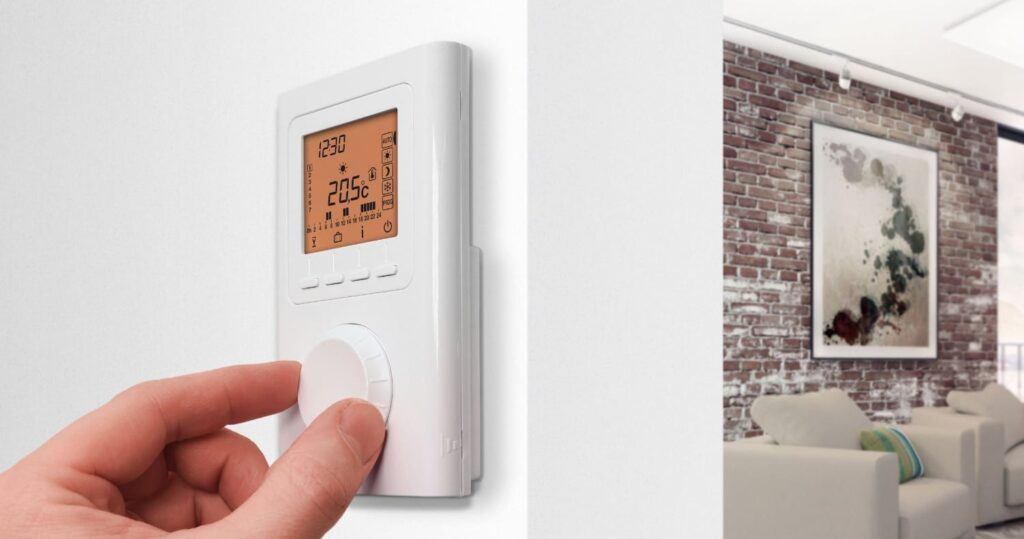
How a thermostat for infrared heating works
A thermostat measures temperature and compares it with the setting. The controls switch heating on or off to approach the desired temperature. A suitable sensor position matters: direct sunlight, draughts or heat from other appliances can affect measurement.
A panel and thermostat together form the heating system. Not every version is supplied with a built-in thermostat. Therefore check beforehand which controls and receiver are required for the products in your quotation.
Wireless thermostats and receivers
In a wireless system, the thermostat operates a suitable receiver. That receiver switches the connected heating. This allows the controls to be placed conveniently without a wired connection between thermostat and receiver.
The receiver must match the communication protocol and electrical load. Recessed, surface-mounted and plug-in solutions exist. Choose the version based on the installation; products from different systems are not automatically interchangeable.
BPT 710 in existing installations
In existing Welltherm installations, you may encounter the BPT 710 with a recessed, surface-mounted or plug-in receiver. If you find these names in your existing installation, provide the model and a photo of the rating plate with your enquiry.
BPT 001, BPT 002 and BPT 003 are names you may encounter on older receivers. For replacement or extension, we check the combination with your thermostat and panels. We discuss current replacement options and select components matching the switching capacity and installation.
Control rooms and zones separately
A study often has a different usage pattern from a living room or bathroom. Suitable zone controls allow you to match temperature and times to each room. You therefore do not need to heat every space according to the same schedule.
Determine for each zone which panels should switch together and where temperature is measured. Check total load and receiver capacity. Commercial premises and yoga studios may need project-specific controls.
Time programme, manual operation and smart controls
A time programme can match heating to when you are at home or in the office. Manual operation is convenient for temporary different use. Functions such as holiday settings, frost protection or app control differ by system.
Choose functions you actually need and check whether additional equipment is required. An app connection may require a suitable gateway, for example. Also ask about operation when the internet connection fails.
Choose the right controls
State which panels you want to control and how many rooms you use. For existing equipment, photos of the thermostat, receiver and rating plates help. We check compatibility and propose suitable controls. Request advice on your thermostat.
A thermostat helps limit unnecessary heating but does not deliver a fixed savings percentage for every user. View energy use and costs and the manuals for further preparation.
A thermostat for Welltherm infrared heating as a system choice
A thermostat for Welltherm infrared heating is chosen to suit the panels and how you use the space. Controls with an attractive screen become useful only when the receiver and connection fit technically. Therefore first define which appliances are controlled. For several rooms, make an overview for each space with panel code, output and desired usage pattern.
Read more
Temperature measurement and electrical switching each have their own place in the system. The thermostat must represent the occupied room. The receiver connects to the compatible heating and is installed according to its requirements. Wireless communication makes it possible to separate these positions but does not remove electrical installation checks.
The heating function can also change in an existing situation. A room previously used occasionally may become a daily home office, for example. Then discuss not only the controls but also the existing capacity and installation. An extensive programme does not make insufficient heating output adequate for a new usage task.
Compare DE and SA by everyday functions
DE uses X3D at 868 MHz. Premium DE controls have their own weekly programme and can gain app operation with compatible additional equipment. Receiver and connection variants are selected based on the installation. The basic version is a different choice for which the catalogue specifies additional equipment for programming. Therefore compare the version’s functions, not just the overarching DE name.
SA uses ZigBee 3.0 at 2.4 GHz. No app control is stated for the offered SA system. The thermostat and receiver form their own combination. Another ZigBee gateway is therefore not automatically a supported addition. Someone wanting local operation may have different priorities from someone also wanting to change settings while away. Make that preference clear beforehand.
Receiver limits differ. The premium DE surface-mounted receiver is rated up to a maximum of 16 A, while several other DE receivers and the SA receiver have a 10 A limit. Have total connected output assessed with wiring and protection. One universal limit for every receiver would conceal the relevant differences between versions.
Organise rooms and measurement positions clearly
A zone is useful when its space has an understandable shared heat demand. A study and bathroom may need different temperatures and times. Two parts of commercial premises may also differ considerably in occupancy. Therefore divide controls by actual use with a measurement position representing the selected zone.
Read more
Draw window areas, warm appliances and possible sensor positions on the floor plan. Direct sunlight or cold airflow can change measurement. Also consider operation: a suitable measurement position behind a cupboard is inaccessible for daily adjustments. Discuss both requirements together so the controls can measure well and be used easily.
A thermostat on a table stand also receives an agreed measurement position. Continually switching between windowsill, desk and kitchen table changes the conditions in which temperature is monitored. Someone assessing a setting preferably keeps that position unchanged. For another room, reassess which controls and position belong to that space.
Create a programme you can follow
Before setting up, write out an ordinary week. Which rooms are used in the morning, daytime and evening? Then look at the selected controls’ available functions. The programme must remain understandable to users. Many different switching times do not automatically produce a better result when nobody knows which setting applies at a particular time.
Read more
A cooled room needs warm-up time. Match preparation to the building and panel capacity and check the actual result. The desired start time for comfortable use is not always the same as the first electrical activation. Also consider ventilation and other existing heating when assessing the schedule.
Temporary adjustments must have a clear return to the normal mode. Define how someone sets an unusual working day, visitors or an absence period. After a test, check that automatic operation is active again. A fixed comfort setting may otherwise continue differently from the intended weekly programme.
Connections, extensions and commissioning
Precon is the connection concept for compatible current components. The physical connection is chosen for the receiver, panel and existing power supply. The connector alone does not identify which wireless range is used. DE and SA remain different systems even when components look similar. Have the complete components list included in the proposal.
Read more
For an extension, we first inventory existing control components. Photos and article codes provide more information than just the name on the thermostat. Older designations are used to identify the existing installation; they do not constitute a current new-product offer. We discuss which replacement or extension suits the existing situation.
After installation, operation is checked by zone. Temporarily change heat demand and check whether the intended receivers respond. Also test switching off and then restore normal settings. Keep the link between room names and article codes. This clarifies later maintenance and adjustments for residents, staff and the installer.
Track consumption and prepare support
A thermostat limits unnecessary heating hours when its settings and measurement position match demand. This does not imply a fixed saving for every home. The building continues losing heat and an additional heated period requires energy. Compare actual delivered comfort and the complete installation under similar conditions.
The premium DE consumption display uses entered output data. When the panel group changes, these details are checked again. For actually measured electricity, select a suitable energy meter. An active time programme is not the same as electrical operating time. More explanation is available under Welltherm consumption.
For support, visit HeatXL, our Benelux distributor. Available retail prices are at infraroodpaneel.nl (Opens in a new tab). For the DE configuration, use the official thermostat instructions for your version. An enquiry with panel codes, room names and desired functions helps us assemble the controls specifically.
Products for your heating plan
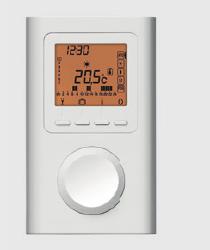
Welltherm DE Wireless Controls
A premium thermostat with a weekly programme and compatible receivers. App control is possible with the correct router and system combination.
View product information →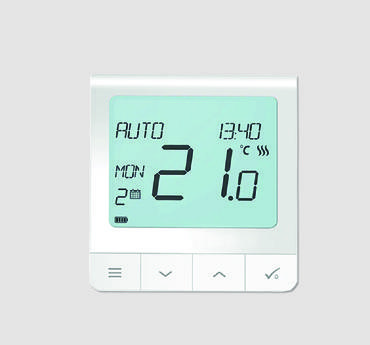
Welltherm SA Wireless Controls
A wireless thermostat and surface-mounted receiver for a suitable installation. Select the set or separate components.
View product information →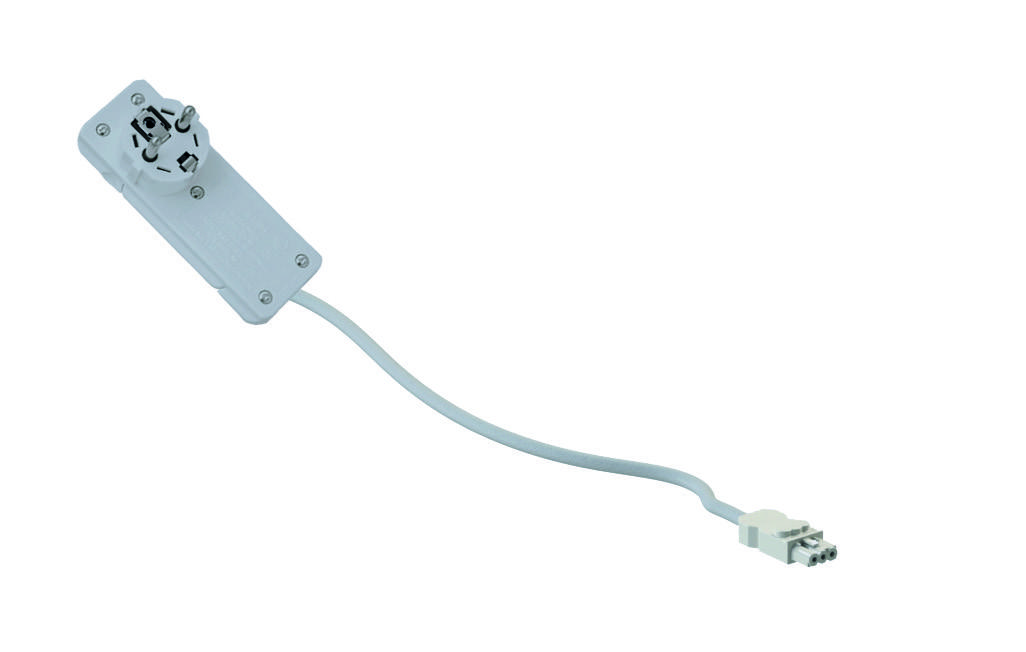
Welltherm Precon Connection Components
Choose the cable or connector associated with your panel and receiver. Suitable controls remain part of the system.
View product information →From selected controls to everyday use
Choose the control range and components for your installation first, then the desired operation. DE uses X3D; SA uses ZigBee 3.0. For existing installations, we check the present control range separately. The same plug shape does not automatically make different control ranges interchangeable.
After installation, have confirmation that each thermostat operates the intended receivers and panels. Then set the clock, usage times and desired temperatures. Check which mode executes the time programme and how to return to that mode after a temporary adjustment.
A consumption display can help monitor your usage. With the described premium DE controls, the paired heating elements’ power must be entered. Older equipment’s operation and options are checked separately for an existing installation. For actually measured electricity, choose a suitable energy meter. View our explanation of energy use and costs.